

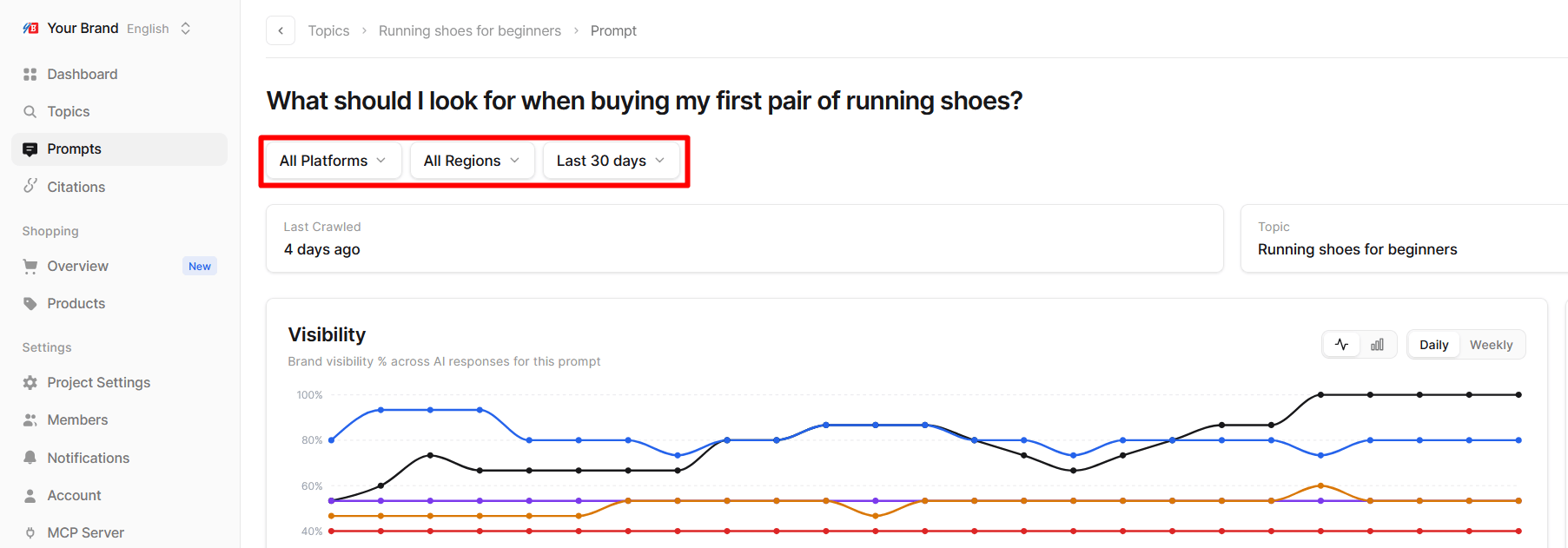
The filters
The Shopping pages add a Products filter to switch between My catalog and All products. See Shopping overview.
On a phone, the filters are grouped behind a Filters button.
Periods and history
- Reports reach back up to 90 days. A custom range can be any span inside the last 90 days.
- Every period is compared with the period of the same length right before it. “Last 30 days” is compared with the 30 days before that, which is where the change values next to each metric come from.
- Data for today is included once the day’s crawl has finished and been published.
How filters change the numbers
Filters do not just hide rows; they change which answers the metrics are calculated from.- With All Platforms, Visibility is calculated across every answer from every platform together. A platform you crawl in more regions contributes more answers to that total.
- With one platform selected, every metric is recalculated from that platform’s answers only.
Tips
- Use 7 days for checking, 30 or more for deciding. Short windows are good for spotting a sudden change. Longer windows smooth out day-to-day variation and give more reliable comparisons.
- Check one platform at a time when something moves. A change in the overall number is usually driven by one platform.
- Use Custom around events. Set the range to start on the day you published a page, launched a campaign or got featured somewhere, and compare it with the period before.